Genesis-AI
It runs right in your browser with no downloads or setup required. You can chat, search Wikipedia, and more without sending your data anywhere. Everything stays on your device.
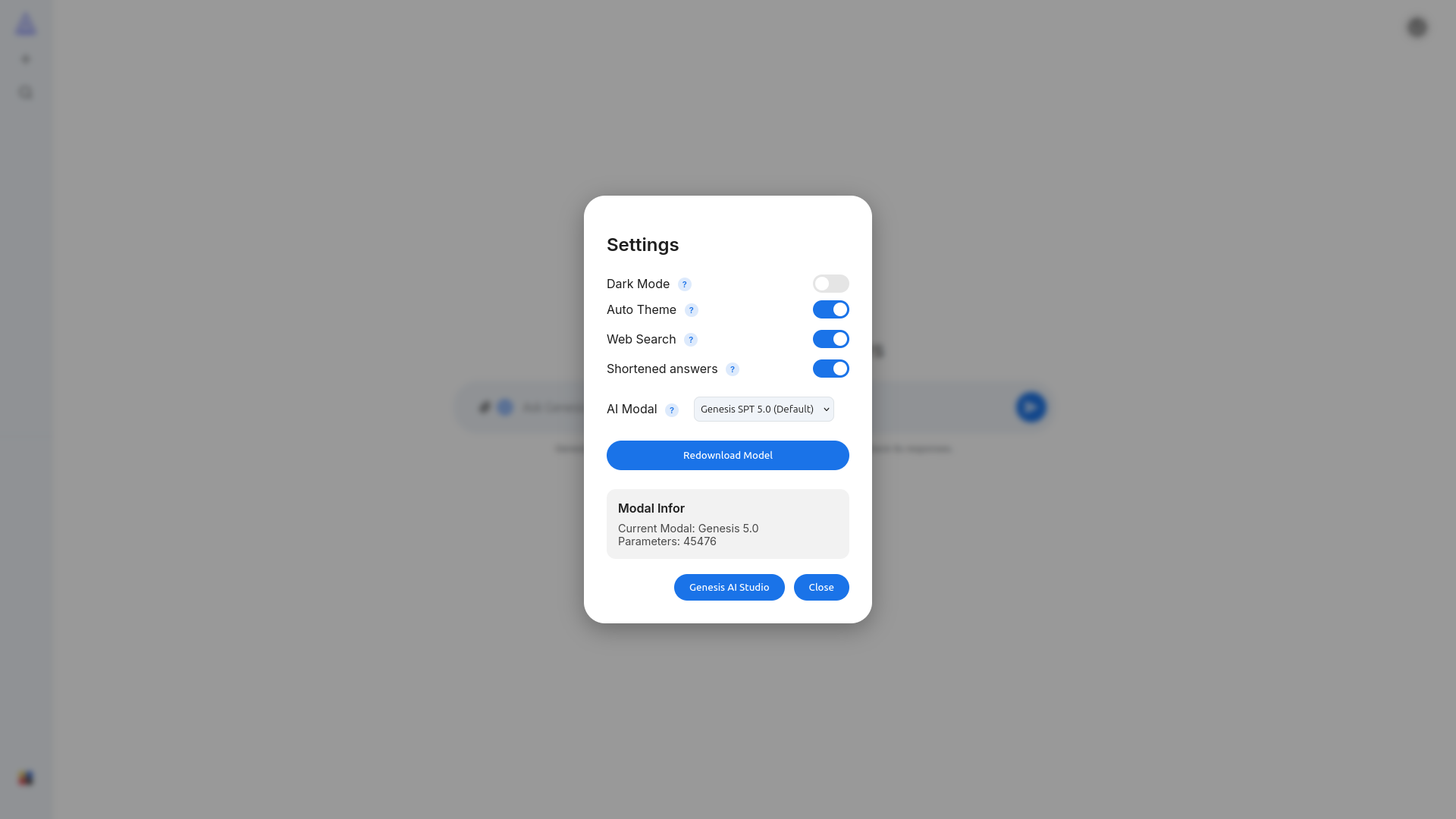
This is what the main page looks like when you open it. The chat area is in the center and your conversations are on the left.
Features
Here is everything it can do, and it all runs right in your browser.
Core AI
- JSON models for AI behavior
- Keyword and phrase matching engine
- Combines multiple responses together
- Fallback handler when nothing matches
- Load your own models from a file or URL
AI Commands
- @ImgAuth checks if an image was made by AI
- @txtauth checks if text was written by AI
Knowledge and Search
- Built-in Wikipedia lookup with summaries
- Ask it to summarize any topic for you
- Web search toggle for recent info
Chat Management
- Create, rename, delete, and pin chats
- Share links to your conversations
- Saves everything locally in your browser
Input and Output
- Type, upload images, or use your voice
- Listen to responses with text-to-speech
- Stop generation whenever you want
Math and Calculations
- Built-in calculator for math problems
- Renders LaTeX formulas nicely
Themes
- Light mode, dark mode, or auto switch
- Works on desktop and mobile
- Optional shorter Wikipedia answers
Privacy and Safety
- Nothing leaves your computer
- Built-in safety system for bad content
- Warning modals with auto stop
Account
- Optional Google sign in to sync chats
- Everything stored locally otherwise
Performance
- Loads fast, responds fast
- Works on any modern browser
- Clear error messages when something breaks
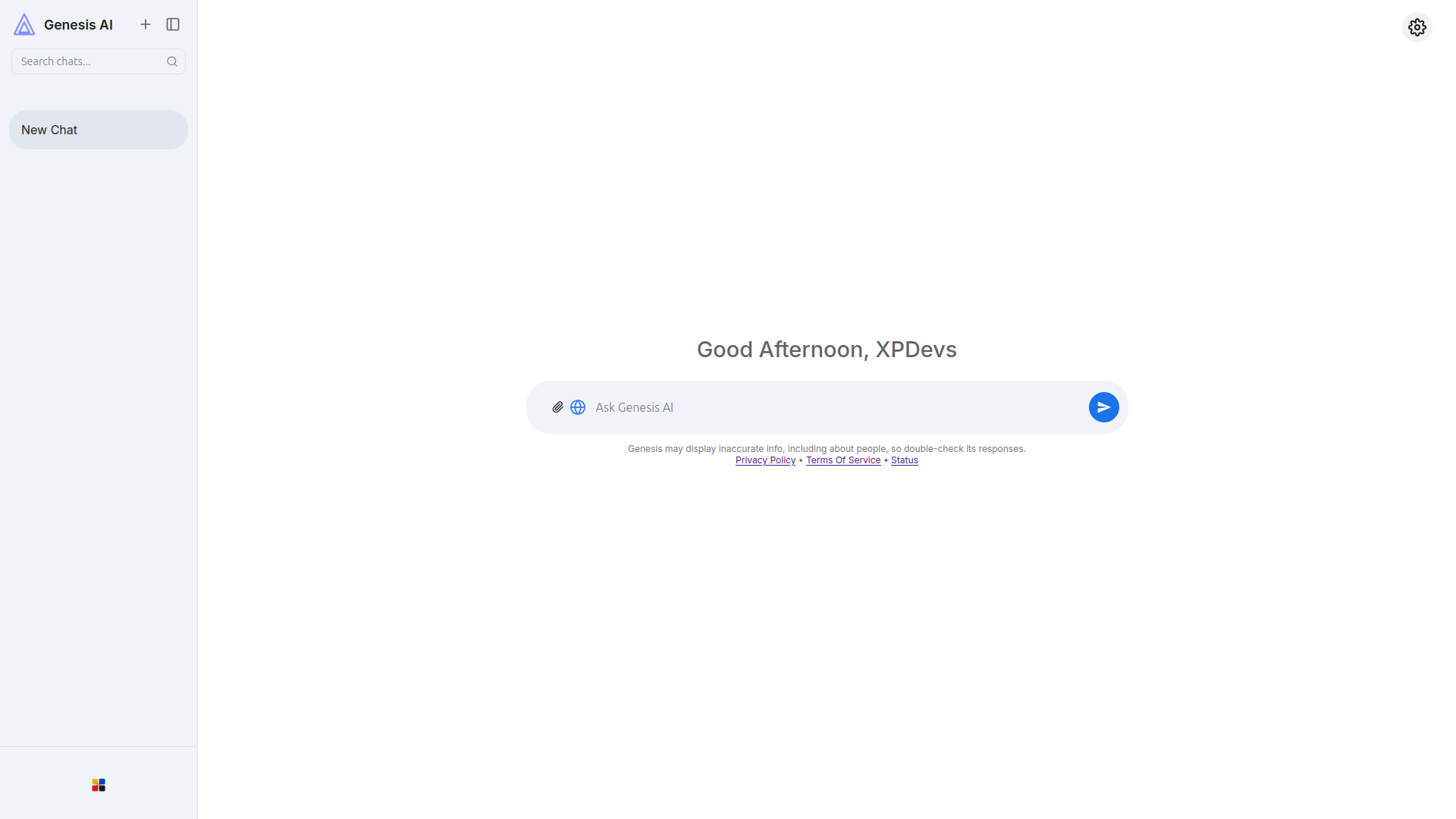
When you send a message, it shows up as a bubble on the right. The AI response appears on the left. You can also see the message actions that let you copy or listen to replies.
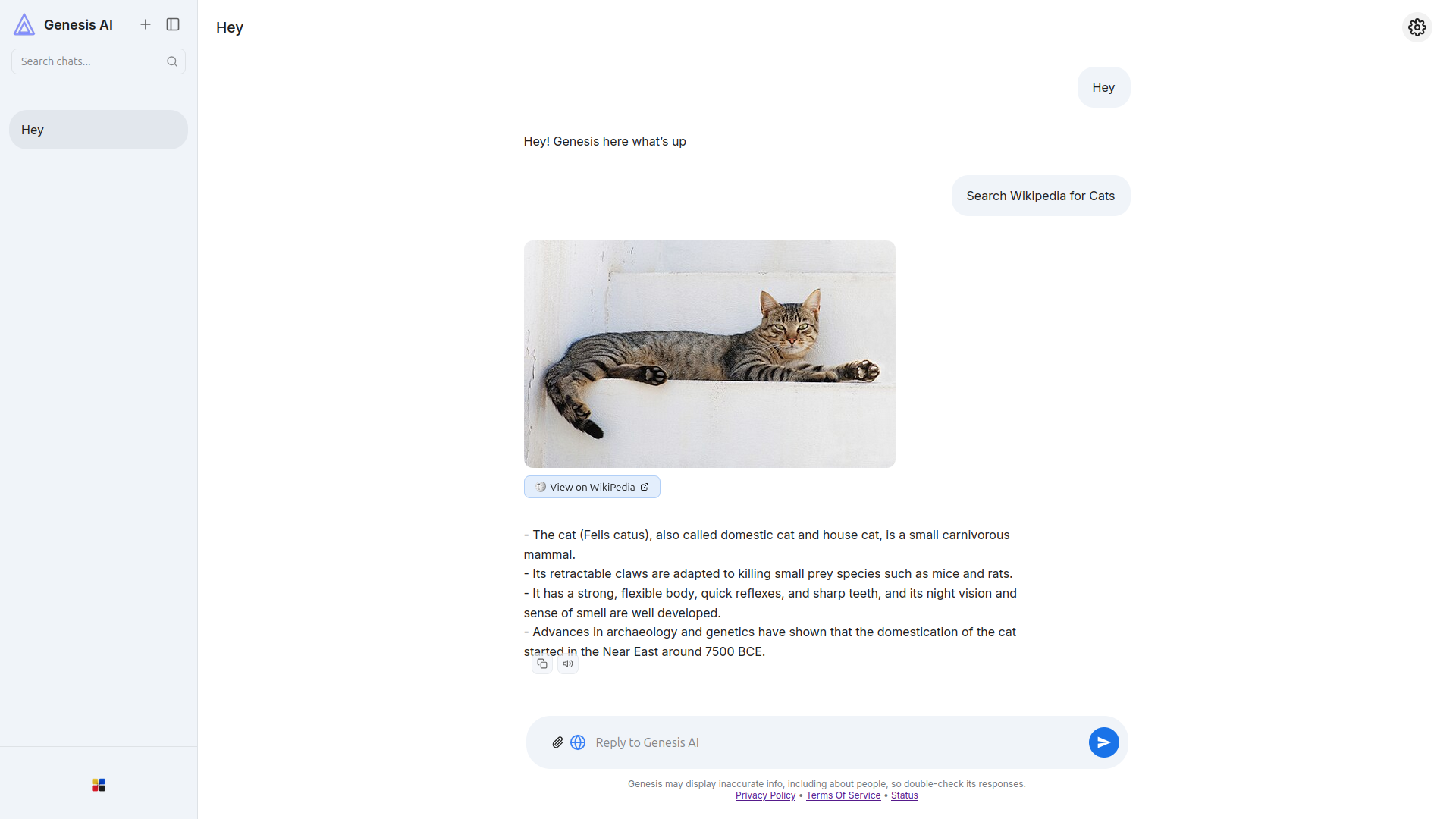
If you tap the question mark icon, a help overlay pops up with more info about whatever setting you are looking at. It explains things without leaving the page.
How It Works
Everything runs on your machine with no backend or cloud support needed. Your browser does all the work.
Open the Page
Your browser loads the HTML, CSS, and JavaScript. There are no installation steps or API keys required.
Load the Model
The AI brain is called a model, which is a JSON file containing keywords, answers, and personality settings. Your browser reads it directly.
Match Your Input
The engine looks for patterns in what you typed, finds the best match, and builds a reply. Special commands like @ImgAuth trigger extra tools.
Look Up Knowledge
If you ask about a topic, it can fetch a Wikipedia page and give you a short version. That gives you way more knowledge than what the model has on its own.
Architecture
The project uses three layers that each handle their own job, so you can change one without touching the others.
| Layer | Description |
|---|---|
| Frontend (UI) | This is the HTML and CSS you see on screen, built to work on any screen size. |
| Logic Engine | JavaScript code that reads the model, manages the app state, and picks the right response for your input. |
| Model | A JSON file containing all the AI knowledge and responses. It is easy to edit and extend. |
{
  "ver": "Genesis-SPT-1.0",
  "hello": "Hello there! How can I help you today?",
  "who are you": "I'm Genesis-AI, an experimental web-based intelligence by XPDevs."
}
How We Build Things
We follow three rules that shape everything you see here.
Clarity
You should understand everything at a glance with no hidden menus or confusing icons. Just straightforward design.
Control
Your data stays yours since everything runs locally. Nothing gets sent anywhere without you knowing about it.
Simplicity
Every feature earns its place here. If it doesn't make the experience better, it doesn't belong in the project.
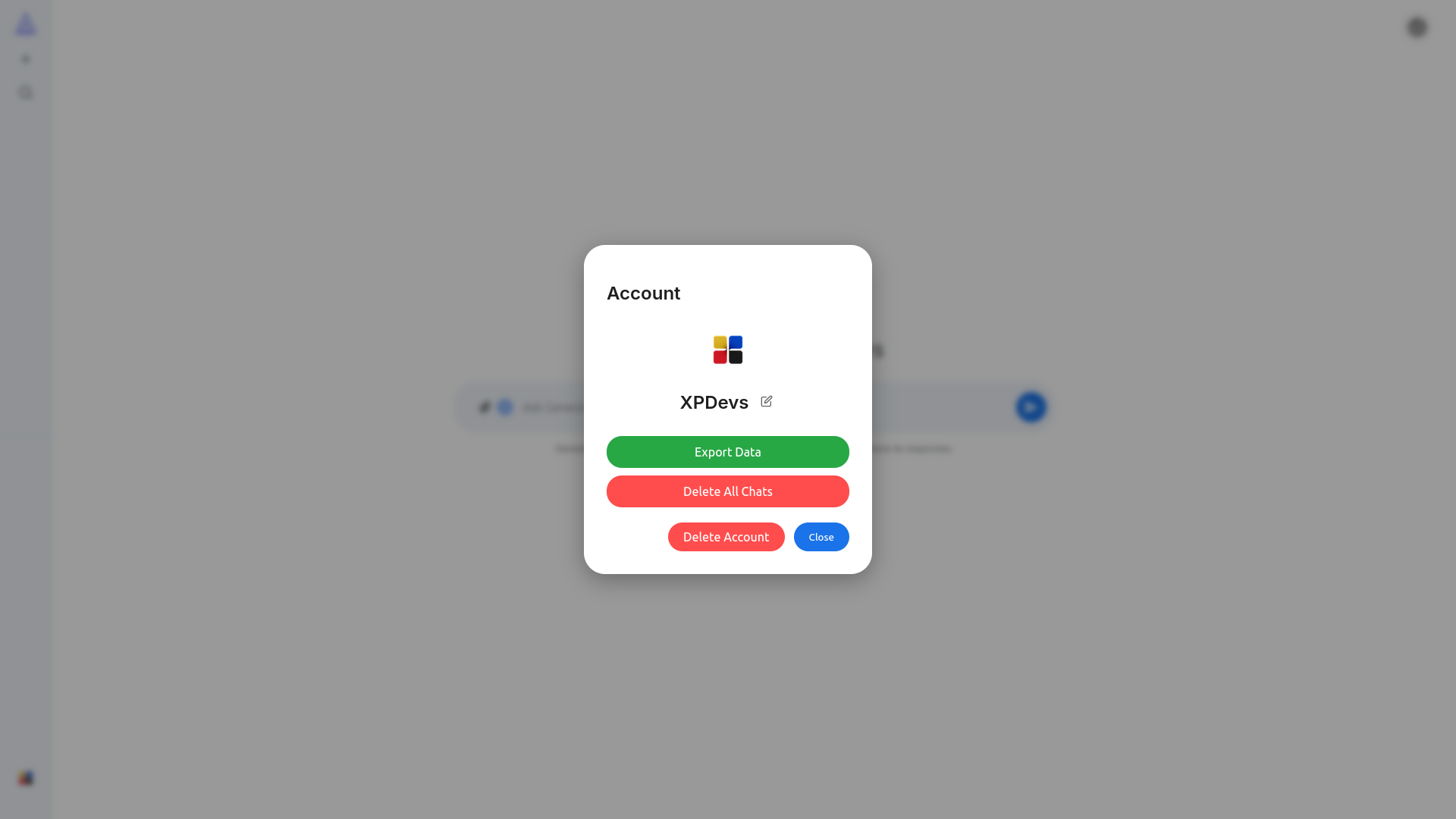
You can set up a profile with your name and picture. If you sign in with Google, your chats sync across devices. Otherwise everything stays saved in your browser.
Want to give it a try?
There is no sign up required and no credit card needed. Just open the page and start using it.
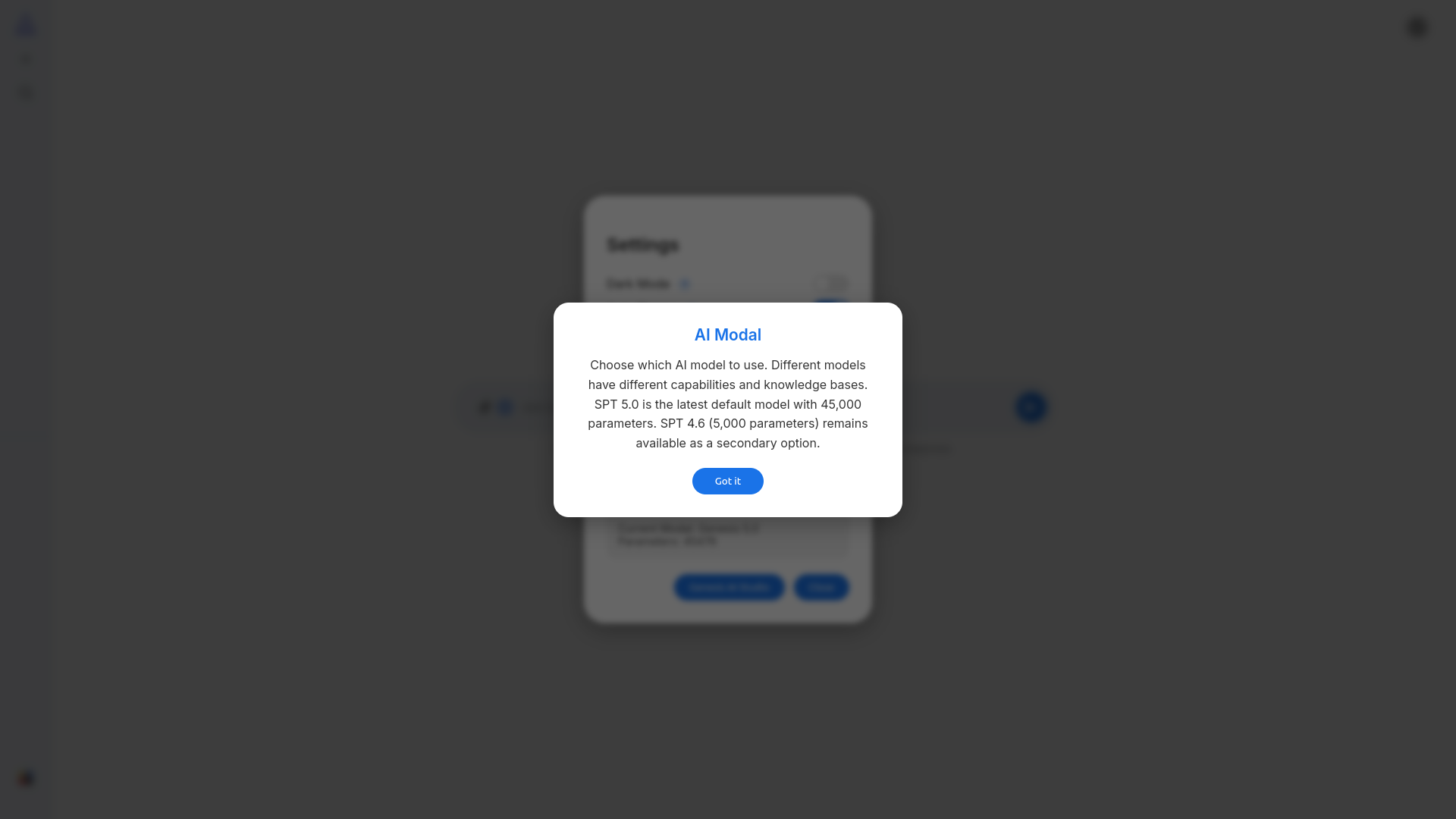
Get Started →The settings panel lets you switch between light and dark mode, pick an AI model, toggle web search, and more. You can also check which model version is running.